Google Business Profile video verification can feel awkward for a builder, plumber, electrician, roofer or decorator who works from home. There may be no shopfront, reception desk or permanent sign to film. The business is still real; its evidence simply looks different.
Google’s current instructions recognise this. A service-area business can use a video to show where it is based, that it genuinely operates and that the person recording manages or represents it. The task is not to make a home look like a storefront. It is to connect those three facts in one clear recording.
This guide turns the requirements into a practical shot plan. It does not promise approval: Google chooses the available verification methods and reviews each submission. It should, however, help you prepare relevant evidence before pressing record.
Check the profile setup before recording
Start by confirming what type of business the profile represents.
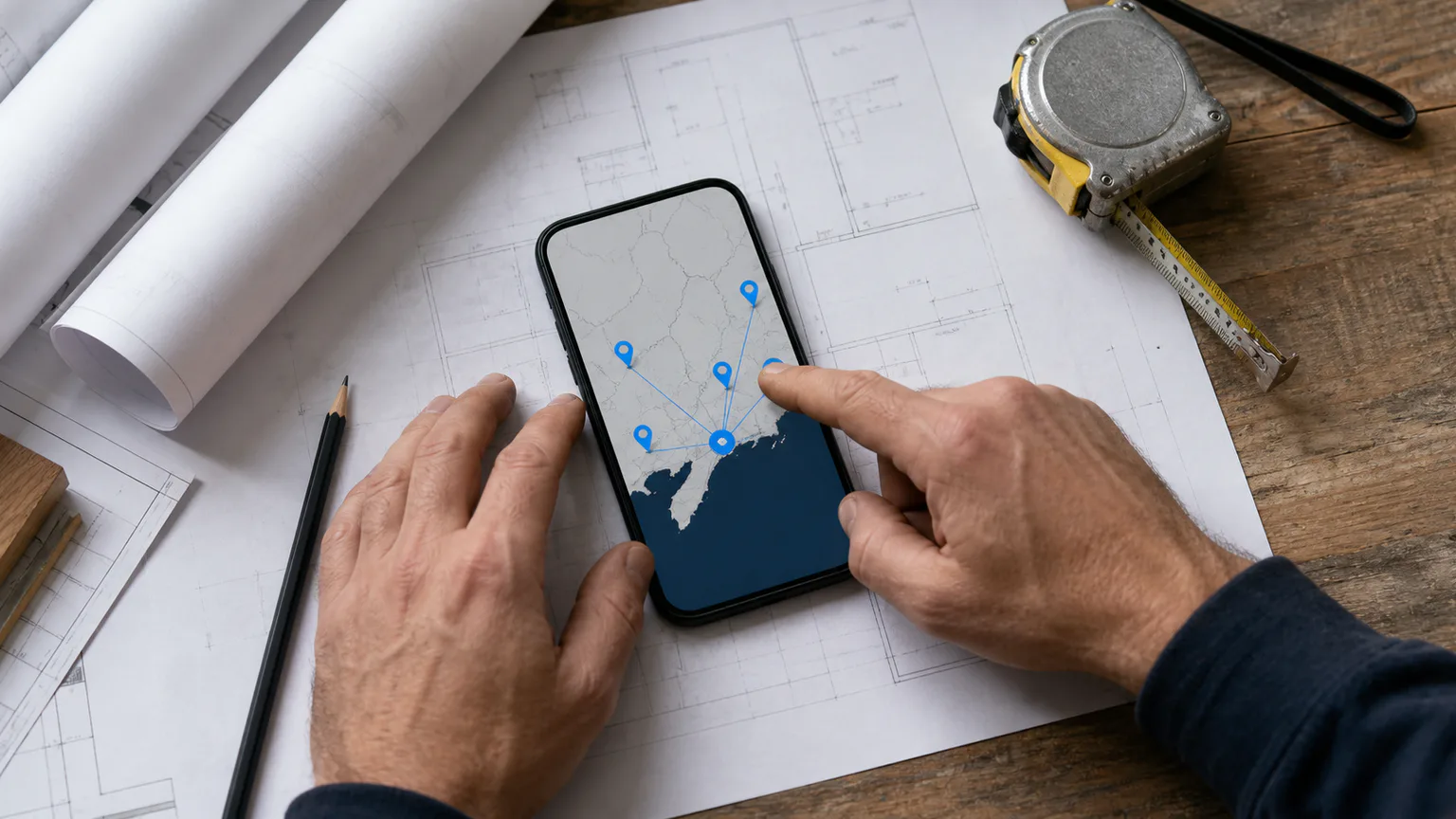
Google defines a service-area business as one that visits or delivers to customers but does not serve them at its own address. A plumber who travels to homes is Google’s own example. If customers do not visit your base, Google says the address should not appear on the profile; use an accurate service area instead. The official service-area guidance explains the distinction and allows up to 20 areas based on towns, postcodes or other defined places.
A hybrid business both receives customers at a staffed location and visits them. A kitchen showroom with permanent signage, stated opening hours and staff present to welcome customers may qualify. A home office, rented mailbox or occasionally used co-working desk does not become a storefront merely because it has an address.
If the setup is uncertain, work through the service-area guide for builders before attempting verification. The recording should support the profile as it truthfully exists, not compensate for a questionable address or invented location.
Also check that the business name and Google Business Profile categories match the real business. A van, invoice and profile using three different names create an avoidable mismatch. Do not add keywords to the business name or change categories simply to make the video look more persuasive.
Understand what the video must prove
Google’s video verification instructions ask a service-area business to demonstrate three things:
- Where the business operates from. Show street signs, nearby landmarks or another location identifier at the address connected with the profile.
- That the business exists. Show professional tools, equipment, products, a workspace, business cards or branded workwear that make sense for the trade.
- That you manage the business. Show access to business-only assets, such as unlocking the work van, entering the workspace or using non-sensitive documents that match the business name.
One type of evidence is rarely enough on its own. A close-up of a drill may show trade equipment but not location. A street sign may confirm the area but not the business. A parked van may belong to anybody unless the recording also demonstrates your access and connects it with relevant working equipment.
Think of the video as a continuous chain:
location → working business → management access
That sequence is a planning tool, not an official script or approval formula. It simply keeps the recording aligned with Google’s three stated requirements.
Build a continuous shot plan
Google requires a unique, unedited recording with no breaks, captured and uploaded through the Business Profile on a mobile device. It must be at least 30 seconds long. You cannot record separate clips, edit them together and upload the result later.
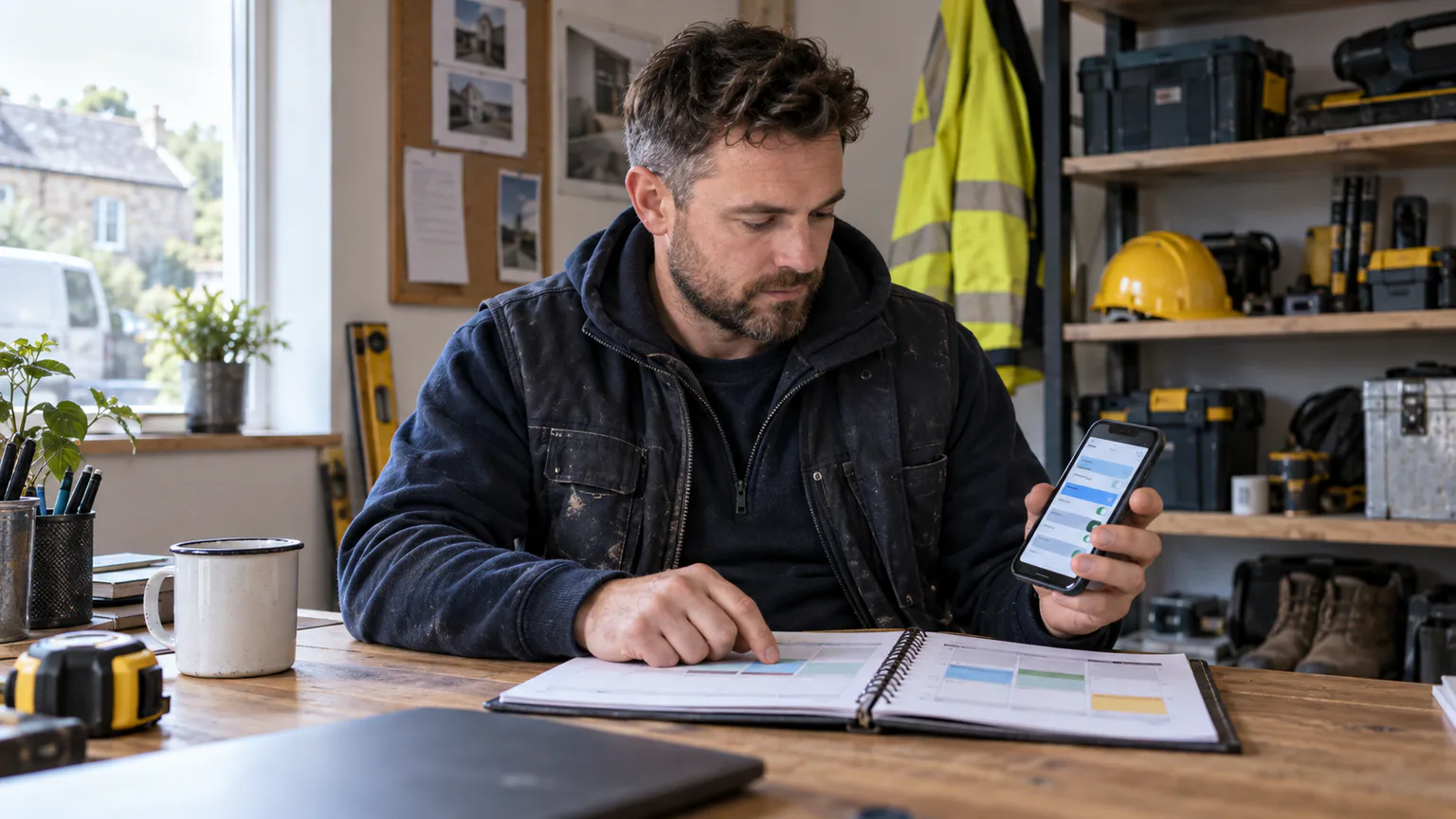
Walk the route once without recording. Check the mobile signal or Wi-Fi, unlock anything you need to access and place suitable evidence where it can be shown naturally. Aim for clarity, not cinema-quality production.
1. Begin with the location
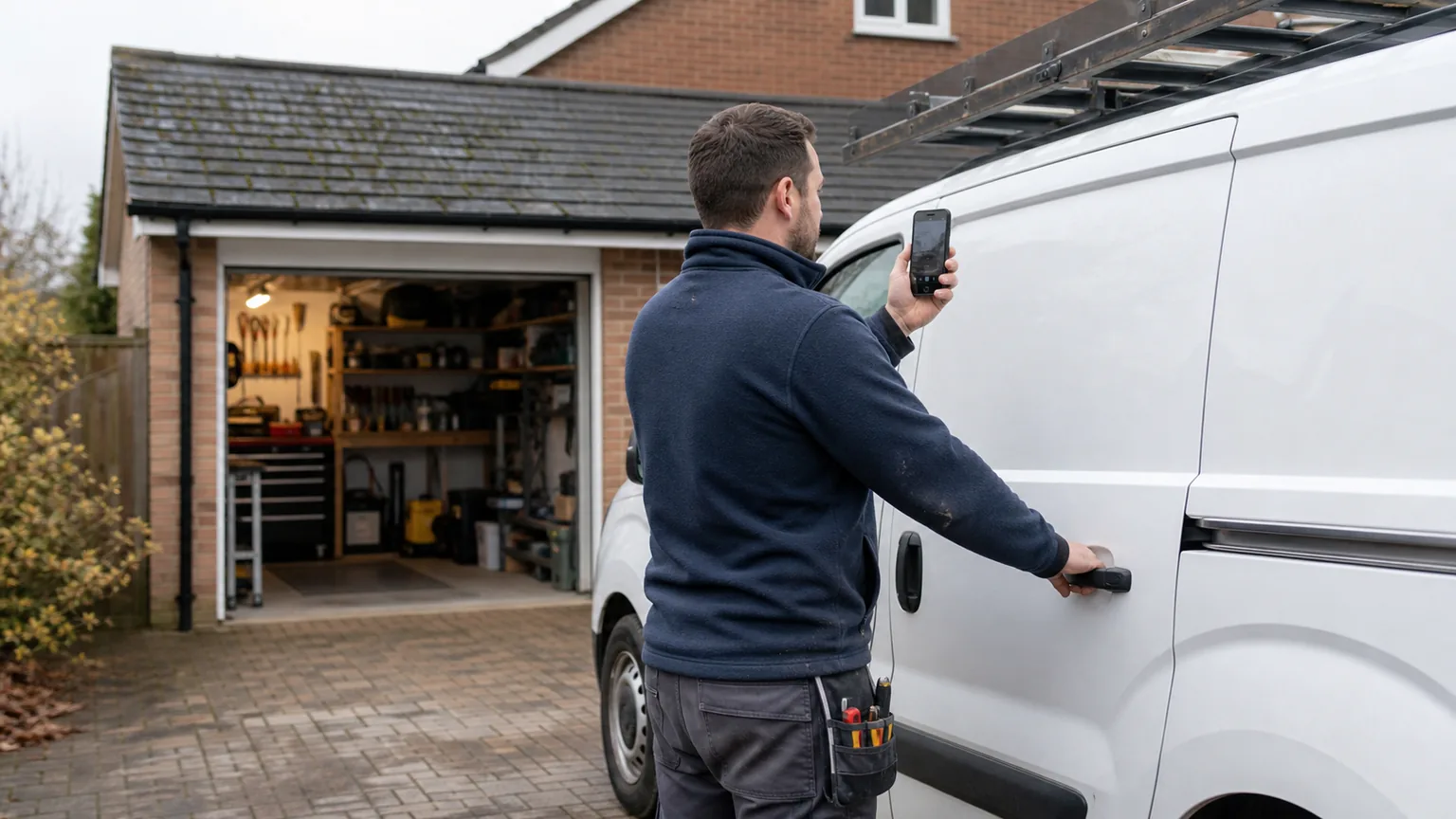
Start outside where the business is genuinely based. Film a nearby street sign, building number, recognisable junction or another clear identifier. Google specifically says a home-based service-area business may show landmarks and signs in the immediate neighbourhood.
Avoid beginning inside a closed garage or with a blank wall. The reviewer needs enough context to connect the business with the address held privately on the profile, even though that address should not be displayed to customers.
Do not narrate a long personal address or film neighbours. A slow view of relevant public location markers is usually safer and clearer than capturing nearby people, vehicle registrations or private homes in detail.
2. Move to real trade equipment
Continue towards the van, garage, lock-up or workspace without stopping the recording. Show a sensible selection of the equipment used for the services on the profile.
For example:
- a plumber might show organised hand tools, pipework equipment and testing kit
- an electrician might show insulated tools, testers and labelled storage
- a roofer might show access equipment, safety kit and trade tools
- a builder might show site equipment, protective gear and a work vehicle
- a decorator might show preparation equipment, dust control and stored materials
The evidence should be credible for the work, but there is no reason to empty the entire van onto the drive. A focused view of real, maintained equipment is more useful than a hurried sweep across unrelated clutter.
If your working photographs need the same kind of evidence-led thinking, use the Business Profile photo plan for trades. Verification video and public profile photos serve different purposes, but both should reflect the services customers can actually buy.
3. Prove that you control the business assets
Next, demonstrate access that an unrelated passer-by would not have. Unlock the work van, open the secured tool storage or enter the business workspace. Google lists unlocking a branded van as one example, but branding is not the only possible evidence. The underlying point is management or authorised access.
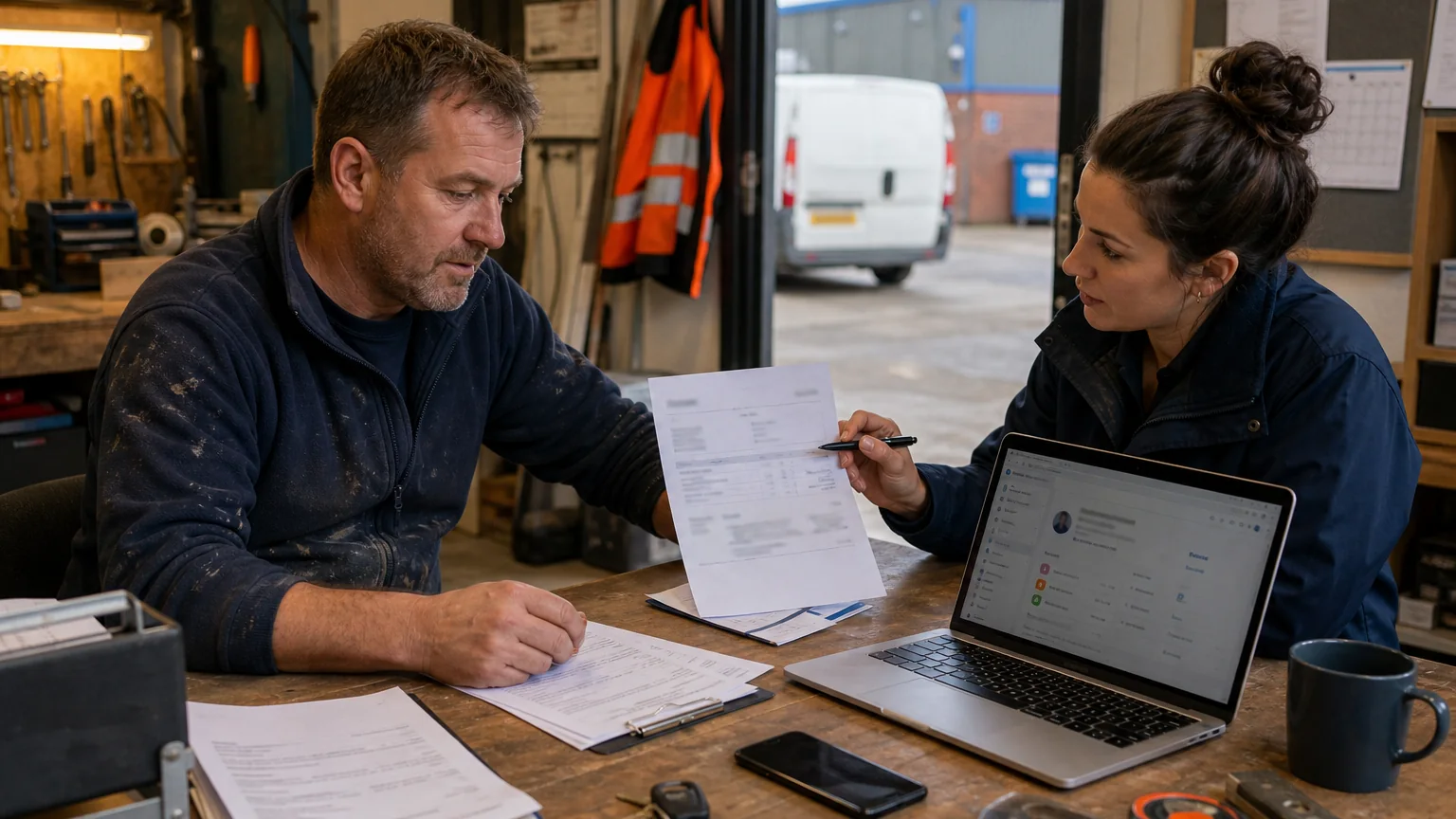
You may also show a business permit, invoice or utility bill that matches the profile name. If you use a document, prepare it so the useful business name is visible without exposing customer details, bank information, tax numbers, signatures or other sensitive data.
The owner should take part directly. Google’s eligibility and ownership policy says authorised representatives must work with the business owner to complete verification. An SEO consultant can help plan the route and check the profile, but should not invent evidence or verify a business independently.
4. Finish only after all three tests are covered
Before stopping, mentally check the chain again:
- could a reviewer identify where the business is based?
- did the recording show equipment or a workspace relevant to the listed services?
- did it show that the person recording manages or represents the business?
If one answer is no, continue the same recording to capture the missing evidence. If the route has gone wrong, start again rather than trying to repair the clip in an editor.
Protect privacy while showing genuine evidence
Verification needs evidence, not unnecessary disclosure. Google says the recording must not include bank, tax or identification numbers, private information about you or other people, or other people’s faces.
Before recording:
- move customer paperwork, vehicle keys with identifiable tags and delivery labels out of view
- cover registration plates if they would be prominent
- ask family members, neighbours and staff to stay outside the route
- close messaging, email and banking apps before using the phone
- use a sample-free section of a document that shows only what is necessary
- check mirrors, windows and glossy surfaces for accidental reflections
Do not film inside a customer’s home just to demonstrate that you perform the service. For a home-based service-area business, Google allows evidence around the base, equipment and business documents. Customer privacy is not a reasonable price for verification.
This preparation also supports wider trust. The local SEO service should connect accurate profile information, a useful website and genuine local evidence; none of those require publishing a private home address or customer data.
Avoid evidence that creates a different problem
Some shortcuts can make the profile less defensible rather than easier to verify.
A virtual office or borrowed address
Google’s representation guidelines say a virtual office is not eligible unless the business genuinely operates there under the relevant staffed-location conditions. Do not record outside a mailbox, borrowed office or distant unit merely to claim another town.
Temporary signs made for the video
A printed sheet taped to a wall does not turn a home garage into a public storefront. If customers do not visit during stated hours, keep the address hidden and verify as a service-area business. Your normal business cards, workwear, vehicle and documents can support the existence of the business without pretending there is permanent public-facing signage.
Tools borrowed for one recording
The video should represent the real business. Borrowing equipment, a branded vehicle or another company’s premises weakens the connection between the profile and the operator. It can also create inconsistent evidence if Google later asks for more information.
Repeated profile changes while waiting
Google says verification methods are automatically selected and may require more than one method. Its general verification guidance also says review can take up to five business days. Avoid changing the name, address, category or other important details immediately after submission unless Google specifically asks you to correct something.
What to do if the video is rejected
A rejected recording is a request for better evidence, not proof that every home-based trade is ineligible.
Open the Review issues notice and read the reason before filming again. Google gives examples such as a missing location, insufficient proof that the business exists or missing proof that the person is authorised to operate it. Build the second route around the gap while retaining the useful evidence from the first attempt.
Use this diagnosis:
- location unclear: begin with stronger street or area identifiers and maintain a continuous route to the workspace
- business not clear: show more service-specific tools, equipment, workwear or business materials
- management not clear: visibly unlock or access a controlled asset and prepare an appropriate non-sensitive document
- upload failed: try the upload again, as Google acknowledges that first attempts can sometimes fail technically
If you still cannot complete the available method after following the requirements, use the support route linked from Google’s verification help. Do not pay somebody who promises a guaranteed approval, creates a replacement profile or asks for your verification code.
If the profile has been suspended or disabled rather than simply failing verification, follow the separate Business Profile suspension appeal process for trades and prepare the supporting evidence before opening Google’s timed form.
An existing profile that repeatedly loses visibility may also need a broader local SEO audit to separate verification, guideline, website and tracking issues. Verification establishes management of the profile; it does not guarantee a particular Maps position.
Plan the work after verification
Once verified, keep the owner as the appropriate owner of the profile and add agencies or team members with suitable manager access. Record who can edit the listing and review access when suppliers or employees change.
Then improve the parts customers actually use:
- keep services and contact details accurate, with customer-facing hours the team can actually support
- upload truthful recent project photographs
- ask customers for reviews without incentives or selective pressure, following the policy-safe review process
- connect profile visits to a focused Google Maps SEO service rather than treating verification as the finish line
- use lead tracking to distinguish calls and forms from suitable, qualified projects
Video verification is an access and trust step. Relevance, distance and prominence still shape local results, while the website and enquiry journey decide whether visibility becomes useful work.
Final thoughts
A home-based trade business does not need to imitate a shop to complete Google Business Profile video verification. It needs a truthful profile and a clear, continuous recording that connects its real base, trade activity and management access.
Prepare the route before pressing record. Show location first, move to relevant equipment, demonstrate control of a business asset and protect private information throughout. If the recording is rejected, use the stated issue to improve the evidence rather than making random profile changes.
That approach is practical, policy-aware and easier to defend because it is built around the business that genuinely exists.
Frequently Asked Questions
Can a home-based builder or plumber verify without showing a public address?
Yes. Google provides video requirements for home-based service-area businesses. The address is used to establish where the business is based but should be hidden from customers when they do not visit that location.
Does the verification video need a branded van?
Google gives a branded van as one example of management evidence, not as a universal requirement. Relevant tools, a workspace, business materials, controlled access and suitable non-sensitive documents can also help demonstrate that the business exists and that you manage it.
Can I upload a video recorded earlier?
No. Google says the video must be recorded and uploaded through the Business Profile on a mobile device. It must be unique, unedited, continuous and at least 30 seconds long.
How long does Google Business Profile video verification take?
Google says review can take up to five business days after the verification steps are completed. A rejected video can be recorded again after reviewing the issues Google identifies.
Will verification improve Google Maps rankings?
Verification lets you manage the profile and helps Google confirm the business. It is not a guaranteed ranking boost. Local visibility still depends on relevance, distance, prominence and the wider quality and accuracy of the business presence.