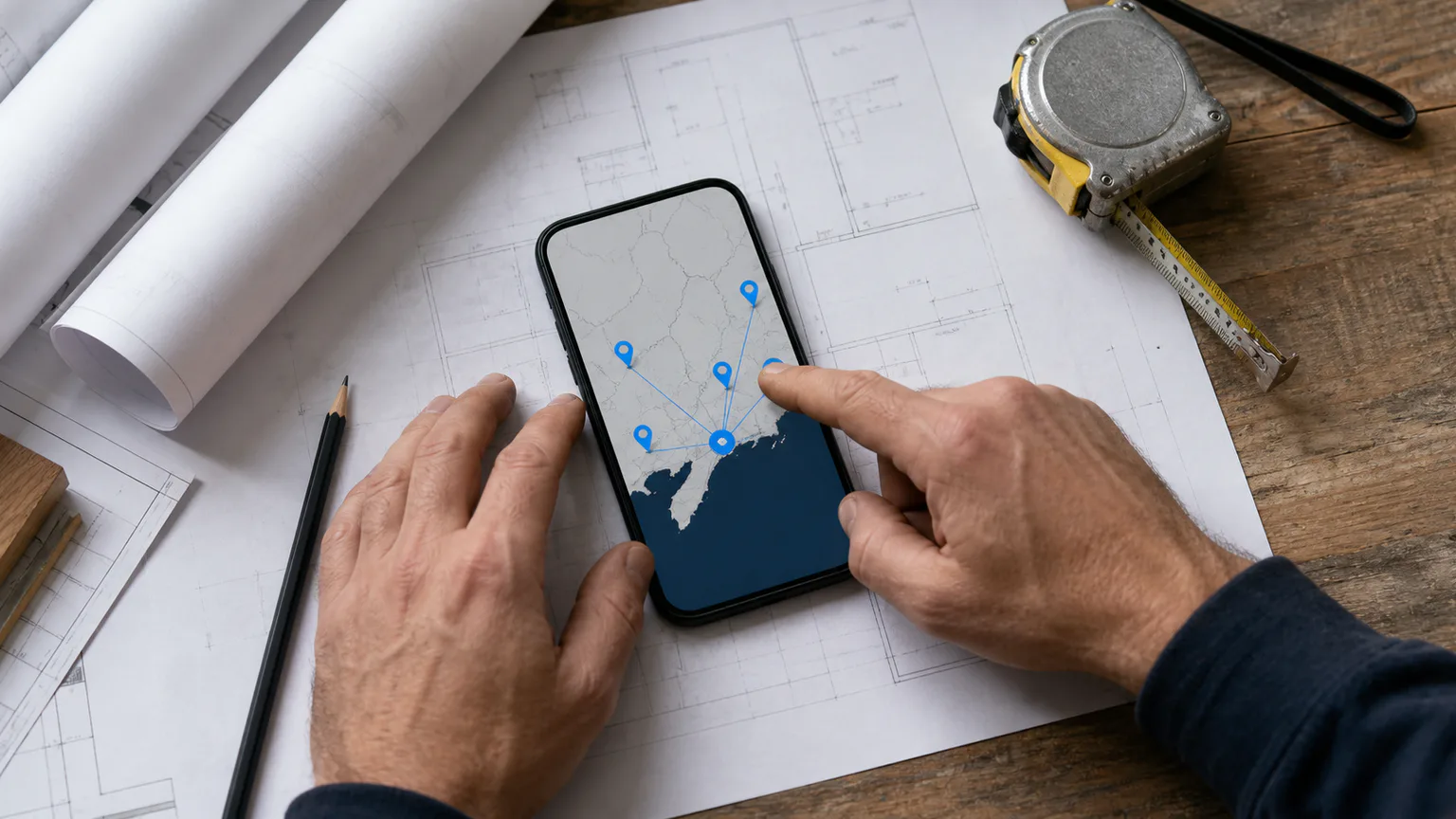
Many builders travel to customers rather than welcoming the public into an office. Google calls this a service-area business, and the distinction affects how the address, locations and coverage should be configured on a Google Business Profile.
The setup often goes wrong when a home address is displayed, a virtual office is used to reach another town or extra profiles are created without real staffed locations. Those choices can confuse customers and put the profile outside Google’s guidelines.
An accurate service area is not a trick for ranking everywhere listed. It is a clear statement of where the business can genuinely provide its services.
What is a service-area business?
Google’s service-area guidance defines a service-area business as one that visits or delivers to customers but does not serve them at its own business address. Plumbers are one of Google’s examples, and the same model commonly applies to builders, roofers, decorators and other trades.
A hybrid business is different. It both receives customers at a staffed business location and travels to them. A legitimate kitchen showroom that welcomes customers during stated hours and also provides installation may fit this model.
The distinction is based on how the business operates in the real world. It is not a setting to choose according to which version looks better in search.
Should a builder show its address?
If customers do not visit the address, Google says it should be removed from public display and the service area should be shown instead.
That applies when a builder runs the business from home, stores paperwork there and meets customers only at sites. Hiding the address does not make the business less legitimate. It represents the customer experience accurately and avoids publishing a residential address unnecessarily.
A business that displays an address as a storefront needs to satisfy stricter conditions. Google’s guidelines for representing a business say locations showing an address should have permanent fixed signage. A hybrid location should be staffed by the business and able to receive customers during its stated hours.
Do not display a home, storage unit or occasional meeting space simply to create the impression of an office.
The main service-area rules builders need to know
Google’s current guidance sets several clear boundaries.
Use towns, postcodes or defined areas—not a radius
New service areas are selected using cities, postal codes or other recognised areas. Google no longer allows a business to define its coverage as a circle of a chosen radius.
Choose places that customers recognise and that the team can genuinely serve. A random collection of distant postcodes may satisfy the field technically while giving a misleading account of the operating area.
Use no more than 20 service areas
Google allows up to 20 areas. This is a maximum, not a target.
A builder covering Southampton and nearby communities does not need to fill every slot. Select a clear set that reflects practical coverage.
Keep the overall area realistic
Google says the boundary of the overall service area should generally be no more than about two hours’ driving time from the business base, although it recognises that larger areas may suit some businesses.
Construction work can justify longer travel for certain contracts, but the profile should reflect normal service rather than the furthest job ever accepted.
Usually use one profile for the business
A service-area business should normally have one profile for its central office or location. Google allows separate profiles for genuinely separate locations when each has its own staff and service area.
Creating a profile for every target town without a staffed operating location is not the same as opening branches. It can create duplicates, fragment reviews and breach the rule against misleading locations.
Why virtual offices are risky
Google says a virtual office is not eligible unless the location is staffed by the business during opening hours. Its wider guidelines also reject physical mailing addresses where the business does not operate.
Renting an address in Portsmouth, Bournemouth or Winchester does not establish a building company there if no team works from the location and customers cannot legitimately visit it.
The same applies to co-working spaces: access to a hot desk or post box alone does not create an eligible location.
If wider geographic visibility is commercially important, build it through real service, relevant website content, projects, reputation and legitimate locations—not borrowed addresses.
Does adding more service areas improve rankings?
Google does not say that listing an area makes a profile rank throughout it.
Its official explanation of local ranking factors says local results are mainly based on relevance, distance and prominence. Distance still matters, so a business based in Southampton should not assume that adding towns across Hampshire removes the geographic reality of each search.
This is why editing the list repeatedly is unlikely to solve weak visibility on its own. Accurate areas help customers understand coverage. Relevant categories and services help explain what the company does. Reviews, website information and wider prominence add further context. A consistent Google review process for trades can build genuine feedback without incentives or selective solicitation.
For a more complete explanation, read why local SEO matters for construction companies and the guide to common reasons a business is missing from Google Maps.
How the profile and website should work together
The service-area list is concise. The website has room to explain the offer properly.
A useful site should make clear:
- the main services provided
- the normal geographic coverage
- any limits that affect the type or size of project accepted
- relevant completed work, with permission
- how a customer can request a survey or quotation
Do not create a thin website page for every postcode selected in the profile. Each location page needs a genuine customer purpose and distinct information. A structured local SEO strategy can decide which areas deserve a page and which are better explained on a broader coverage page. The practical guide to builder location pages without doorway-page duplication shows how to make that choice and gather the evidence each page needs.
Service pages should match the actual offer. Clear service-page planning connects categories, services, projects and enquiries without stuffing town names into every heading.
Choosing the right areas step by step
Start with operations rather than a keyword list.
- Map where the business has completed suitable work it would accept again, without publishing customer addresses.
- Consider survey journeys, deliveries, supervision and traffic—not just straight-line distance.
- Separate normal coverage from one-off distant projects.
- Choose recognisable places and use fewer than 20 if that is more accurate.
- Make sure the website does not contradict the profile, then record what changed and when.
Google says approved edits can take up to 48 hours to appear, so avoid repeated changes before the first is visible.
If Google asks you to confirm the business after an address or service-area change, prepare the location, equipment and management evidence in the video verification guide for builders and trades before starting the continuous recording.
Other profile fields still matter
Service areas should not be reviewed in isolation.
Google recommends using the fewest categories needed to describe the core business and choosing categories that are specific and representative. Do not add categories as a list of target keywords.
The practical guide to Google Business Profile categories for builders and trades explains how to choose a primary category, decide whether an additional category is justified and keep detailed jobs in the services field.
Eligible profiles can also add services. Google’s services editor guidance allows suggested or custom services, grouped where appropriate, with descriptions and sometimes prices. Add only work the company genuinely provides.
Keep the business name consistent with its real-world use. Adding services or towns to the name when they are not part of the actual name can lead to profile problems.
Photographs, phone numbers and the linked website should remain accurate. Set Business Profile hours that match genuine customer availability rather than copying the longest schedule shown by a competitor. Professional Google Maps SEO support should protect eligibility and clarity before chasing visibility tactics.
Common mistakes to avoid
Watch for these recurring problems:
- showing a home address where customers are not received
- using a virtual office or mailbox as a fake branch
- creating multiple profiles without separate staff and locations
- filling all 20 areas regardless of real coverage
- assuming an area selection guarantees rankings there
- using a radius description that Google no longer supports
- letting the profile and website describe different services or locations
- adding town names to the business name when they are not used in reality
- publishing duplicate location pages to mirror every profile entry
If an inherited profile contains these issues, document its current state before editing so it is clear what was altered.
Measure commercial usefulness, not just map views
Google Business Profile performance can show searches, views and actions such as call-button or website clicks. A click is not automatically a qualified building enquiry.
Compare profile activity with calls, forms, project type and service-area fit. Our guide to measuring qualified enquiries explains why supporting actions should remain separate from commercial outcomes.
If enquiries come from outside the area, clarify coverage on the profile, landing page and form. If suitable areas produce visibility but few contacts, review the proof and contact journey rather than expanding the list again.
If the operating base changes, update the existing profile rather than inventing a second location. Follow the yard and office moving checklist to prepare for reverification and correct important address sources in order.
Final thoughts
A Google Business Profile service area should describe where a builder genuinely works. It should not be used to simulate offices or promise coverage the team cannot provide.
Choose accurate towns or postcodes, keep the total proportionate, hide an address where customers are not served and use only one profile unless separate staffed locations truly exist. Then support that setup with useful service pages, real projects and consistent business information.
The result is less dramatic than a “rank everywhere” trick, but much safer and more helpful: customers see a truthful operating area and Google receives information that matches the real business.
Frequently Asked Questions
How many service areas can a builder add?
Google currently allows up to 20 service areas. That is a limit, not a recommendation to use all 20. Choose only areas the business serves accurately and routinely.
Should a builder hide a home address?
Yes, if customers are not served there. Google says service-area businesses should remove the address from public display and list their service areas instead.
Can one company have a profile in every town it covers?
Not simply because it travels there. Separate profiles require genuine separate locations with separate staff and service areas. Virtual offices, mailboxes and unstaffed addresses are not valid substitutes.
Will adding a town make the business rank there?
There is no guarantee. Google says local results are mainly based on relevance, distance and prominence. The service-area field communicates coverage but does not cancel the effect of distance.
Does every selected area need a website page?
No. Create a location page only when it serves a distinct customer need and can contain genuinely useful local information. A clear coverage section may be more appropriate for smaller or overlapping areas.