Google reviews can help a builder, plumber, electrician or roofer look credible when a customer compares local businesses. They can also provide useful information about communication, tidiness, reliability and the types of work a company completes.
The challenge is building a steady process without pressuring customers or crossing Google’s rules. Suspicious feedback, incentives for five-star ratings or requests sent only to happy customers may create more risk than value.
The better approach is simple: ask genuine customers for an honest review, make the process convenient and respond professionally. This guide explains how to do that consistently.
What Google allows trades businesses to do
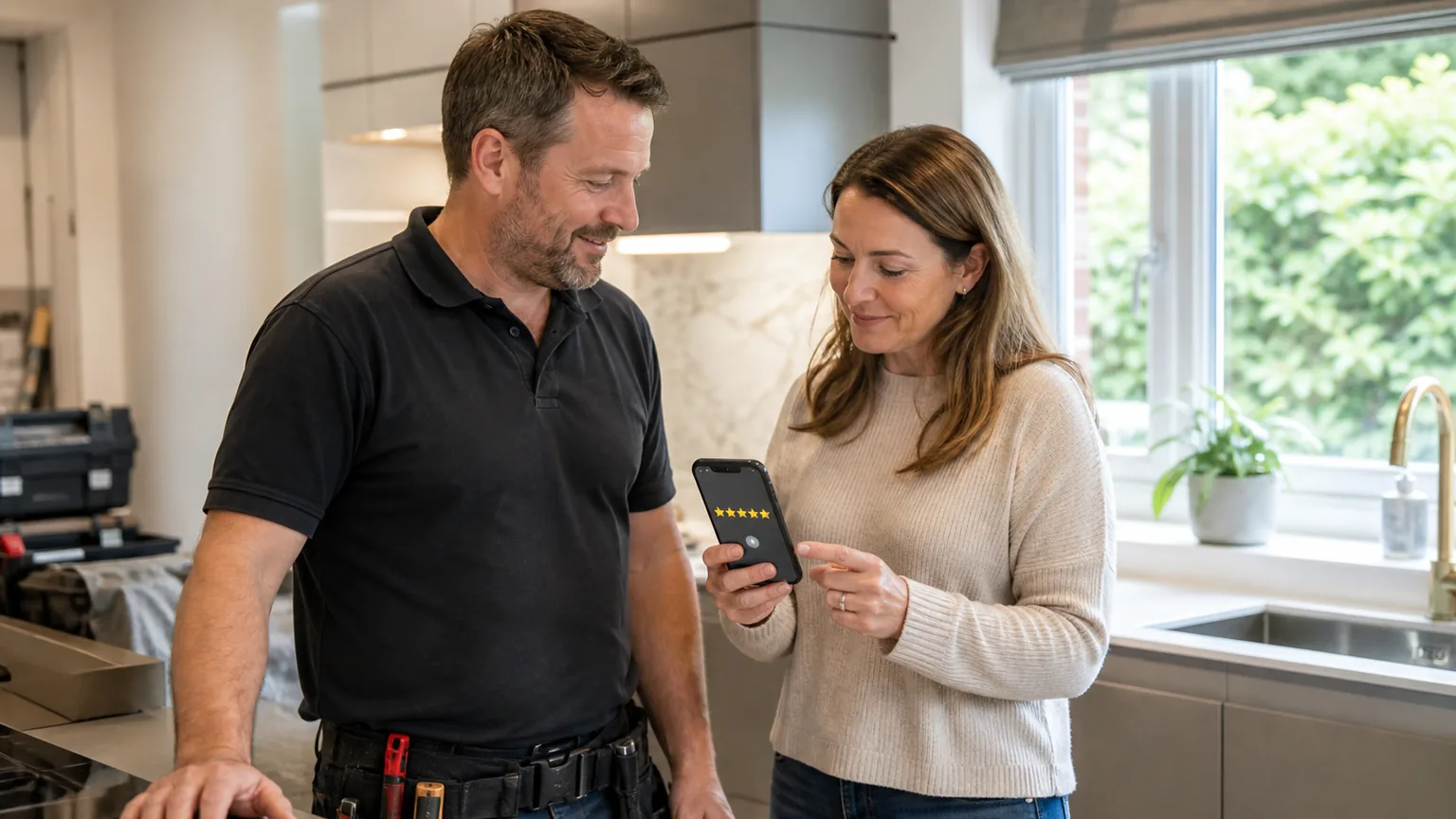
Google actively provides tools for requesting reviews. Its official review guidance says businesses can remind customers to leave feedback and can direct them to a Google review link or QR code. Reviews must reflect a genuine experience.
That means a legitimate trades business can:
- ask a real customer to review completed work
- send the same request to customers through email, text or WhatsApp
- include a review link on an invoice or completion email
- display a Google review QR code where customers can use it
- reply to both positive and negative reviews
- ask for honest feedback without telling the customer what rating to give
This is a normal part of managing a Google Maps presence when the request is neutral and the experience is real.
What Google prohibits
Google’s prohibited-content policy does not allow incentives such as payments, discounts, free goods or services in exchange for a review. The restriction also covers incentives offered for changing or removing a negative review.
The same policy prohibits selectively asking only for positive reviews while discouraging negative feedback. This practice is sometimes called review gating. For example, a business should not send customers to a private survey, direct satisfied respondents to Google and quietly divert dissatisfied respondents elsewhere.
Avoid these approaches:
- “Leave us a five-star review and receive £20 off your next job.”
- entering reviewers into a prize draw
- asking friends, staff or suppliers to pose as customers
- writing a review for the customer to copy and paste
- using a company device to submit several customer reviews
- offering to resolve a complaint only if a negative review is removed
- asking only customers who have already said they will give five stars
Choose a sensible moment to ask
Timing affects whether the request feels natural. For a small repair, the right moment might be shortly after the invoice is paid. For a kitchen renovation or extension, it may be after handover and once the customer has had time to use the finished space.
A useful trigger could be:
- practical completion is agreed
- final snagging work is finished
- the customer confirms that an emergency repair solved the problem
- a planned maintenance visit is completed
- the final invoice or project pack is sent
Do not interrupt a dispute, an unresolved defect or a stressful delay with an automated review request. Resolve the practical issue first. The objective is not to catch a brief moment of goodwill; it is to collect an accurate account of the whole experience.
For larger teams, make the trigger part of the job-management process. Assign responsibility to the person who knows the customer relationship rather than assuming somebody else will ask.
Make leaving a review easy
Google explains how to create a review link or QR code. The link can be shared in email, WhatsApp or other customer communications, while a QR code can be added to printed material. Google currently says the QR code must be generated from a computer browser.
A short request is usually enough:
Thank you for choosing us for your project. If you have a moment, would you leave an honest Google review about your experience? Your feedback helps other local customers understand what it is like to work with us. [Review link]
Do not supply a list of keywords for the customer to insert. A genuine comment in the customer’s own language is more credible than ten reviews repeating the same service-and-town phrase.
Keep the destination accurate as well. Multi-location businesses should send the customer to the profile for the team or branch that actually completed the work. Service-area businesses should follow Google’s rules on addresses and coverage; our guide to Google Business Profile service areas for builders explains those distinctions.
Ask for detail without scripting the answer
Some customers want guidance because “Great job” feels too vague. You can invite them to mention what they found useful without telling them what to say or demanding a positive rating.
Neutral prompts might include:
- What work did we complete?
- How did you find the communication?
- Was there anything about the process that helped?
- Would you like to mention the finished result?
These questions can produce feedback that is more useful to future customers and to the business. Repeated comments about communication, access or handover can highlight what should be protected or improved in the operating process.
Build a repeatable review workflow
Consistency matters more than a one-off campaign. A trades business could use the following process:
- Confirm that the job is complete and any immediate concern is resolved.
- Record the customer’s permission to receive ordinary follow-up communication where required.
- Send one personal request with the correct Google review link.
- Send no more than one polite reminder if there is no response.
- Thank the customer if they leave feedback.
- Respond publicly without exposing private project details.
- Record that the request was sent so the customer is not repeatedly contacted.
This process can sit beside wider local SEO work, but it should still be owned by the operations team. The person closing a job often has better context than an external marketer.
Respond to positive reviews properly
A reply shows that the business is listening. Keep it specific enough to feel human, but do not reveal the customer’s address, project value, personal circumstances or anything discussed privately.
Instead of replying “Thanks” to every review, acknowledge a safe detail:
Thank you for taking the time to share your feedback. We are pleased the communication and handover process were helpful, and we hope you enjoy the finished room.
Avoid stuffing the reply with services and locations. “Thank you for choosing the best Southampton electrician for electrical rewiring Southampton” reads as advertising, not a conversation.
Reviews are only one trust signal. The linked website must still explain the offer. An electrician, for example, may need separate information for rewiring, consumer-unit work, landlord inspections and commercial maintenance. The guide to electrician service pages shows how profile proof and website content can support one another.
Handle negative feedback without making matters worse
Do not argue in public while emotions are high. First confirm that the reviewer was a customer and check the job record. Then write a calm response that acknowledges the concern, avoids confidential details and offers an appropriate route to continue the conversation.
A response could say:
We are sorry to hear that the communication did not meet expectations. We would like to review what happened and discuss the next step directly. Please contact us using the details already provided, or email our office so we can identify the project safely.
Do not admit legal liability in a rushed public reply or threaten a genuine customer for describing their experience. If a contribution clearly breaches Google’s policies, use the platform’s reporting process and keep evidence.
Connect reviews to the website journey
A strong rating may earn the click, but the landing page still has to do its job. Keep the business name, services, contact details and areas consistent. Send profile visitors to the most useful page rather than automatically sending everyone to a generic homepage.
The page should load well on a phone, state the service clearly and make contact straightforward. Our practical guide to Core Web Vitals for construction websites explains how slow loading, delayed interactions and moving layouts can add friction after a customer leaves the profile.
If the business is not appearing reliably in local results, review the broader reasons a company may be missing from Google Maps before assuming reviews are the only issue. Google says local results are mainly based on relevance, distance and prominence; its local-ranking guidance also notes that more reviews and positive ratings can help local ranking, but there is no single guaranteed review target.
Measure outcomes rather than chasing a review total
Track the number of requests sent, completed reviews, themes in the feedback and whether profile visitors go on to call or enquire. Do not pretend that every profile view or website click is a lead.
A practical lead-tracking setup can connect calls and forms with the pages customers visited while keeping review activity in context. For a general trades business, industry-specific SEO planning can then decide whether the next priority is profile accuracy, better service content, project evidence or conversion work.
Signed-out users have also been observed encountering extra friction when opening the complete review collection. Our analysis of the Google Maps review login prompt explains why reviews should be supported by evidence on your own website.
Ready-to-use SMS and invoice wording
Keep the request neutral. You are asking for an honest review, not a five-star score.
SMS after practical completion
Thanks for choosing [Business name] for your [type of work]. If you have a moment, you can share an honest Google review here: [review link]. Your feedback helps us improve and helps local homeowners understand what working with us is like.
Short follow-up
Just a quick reminder in case the earlier message was missed. Reviews are always optional, but if you would like to share your experience, here is the link: [review link]. Thank you again.
Invoice or handover note
Tell us how the project went. Scan the QR code to leave an honest Google review.
Google’s Business Profile help documentation supports sharing a review link or QR code in receipts, thank-you emails and chat interactions. Generate the QR code from the profile on a desktop, test it on more than one phone, and keep the ordinary review URL beside it for accessibility.
Do not route happy customers to Google while sending unhappy customers to a private form. That is review gating. Use the same invitation for every eligible customer and treat private feedback as an additional route, not a filter.
Final thoughts
The safest way to get more Google reviews is also the most sustainable: complete good work, ask genuine customers for honest feedback, make the link easy to use and respond professionally.
Do not buy reviews, offer rewards or filter requests according to the rating you expect. Those shortcuts can undermine the trust that reviews are supposed to create.
Start with a simple completion trigger and one reusable message. Run it consistently for appropriate customers, learn from the feedback and connect the profile to useful website pages. That creates a stronger system than chasing an arbitrary star or review count.
Frequently Asked Questions
Can I offer a discount for a Google review?
No. Google prohibits offering money, discounts, free goods or services in exchange for a review, a changed review or removal of negative feedback.
Can I ask customers to mention a service or location?
It is better to invite an honest description in the customer’s own words. You may use neutral prompts about the work and experience, but do not script a keyword-heavy review or tell the customer what rating to leave.
Should I ask every customer for a review?
Use a consistent, fair process for appropriate genuine customers. Do not selectively solicit only people expected to give positive feedback. It is reasonable to resolve an active problem before sending a request.
How many Google reviews does a trades business need?
There is no universal number. Compare the quality, relevance and recency of feedback in your genuine local market, then focus on a steady process instead of a one-off target.